A new theme for the same table
Tonia wants to give the group a fresh comparison. She picks Friday for the next evening, tells her friends the date and chooses one vintage again, 2019. This time the wines take them across the Pfalz, Northern Rhône and Bordeaux.
The next evening: three regions, one vintage
Tonia settles on three reds from 2019. She wants to explore Pinot Noir from the Pfalz, Syrah from the Northern Rhône and a Bordeaux blend from Saint-Estèphe. She plans to serve them in this order:
- Weingut Rings · Spätburgunder vom Kalkfels 2019
Pinot Noir · Pfalz, Germany. - Ferraton Père & Fils · Ermitage Les Dionnières 2019
Syrah · Hermitage, Northern Rhône, France. - Château Phélan Ségur 2019
Bordeaux blend · Saint-Estèphe, Médoc, France.
It is a suggested progression from Pinot Noir through Syrah to the Bordeaux blend. How these particular bottles compare is something her friends will decide at the table.
These bottles define the next tasting. Tonia will supply photos of their labels when she asks the assistant to create the list.
Tonia spots the AI connection
Tonia is happy with the next lineup. She is less excited about typing every producer, wine name and vintage into another list. In Account → AI assistant (MCP), she notices that she can connect her assistant to TopX through MCP.
She follows the connection steps and gives it Change permission, allowing the assistant to create and update lists for her. That first connection is a separate setup step. Once it is ready, she can ask for the tasting in her chat.
Explore the TopX screenAn example assistant connection with Read and Change permission.
Bottle-label photos, guest names and one request
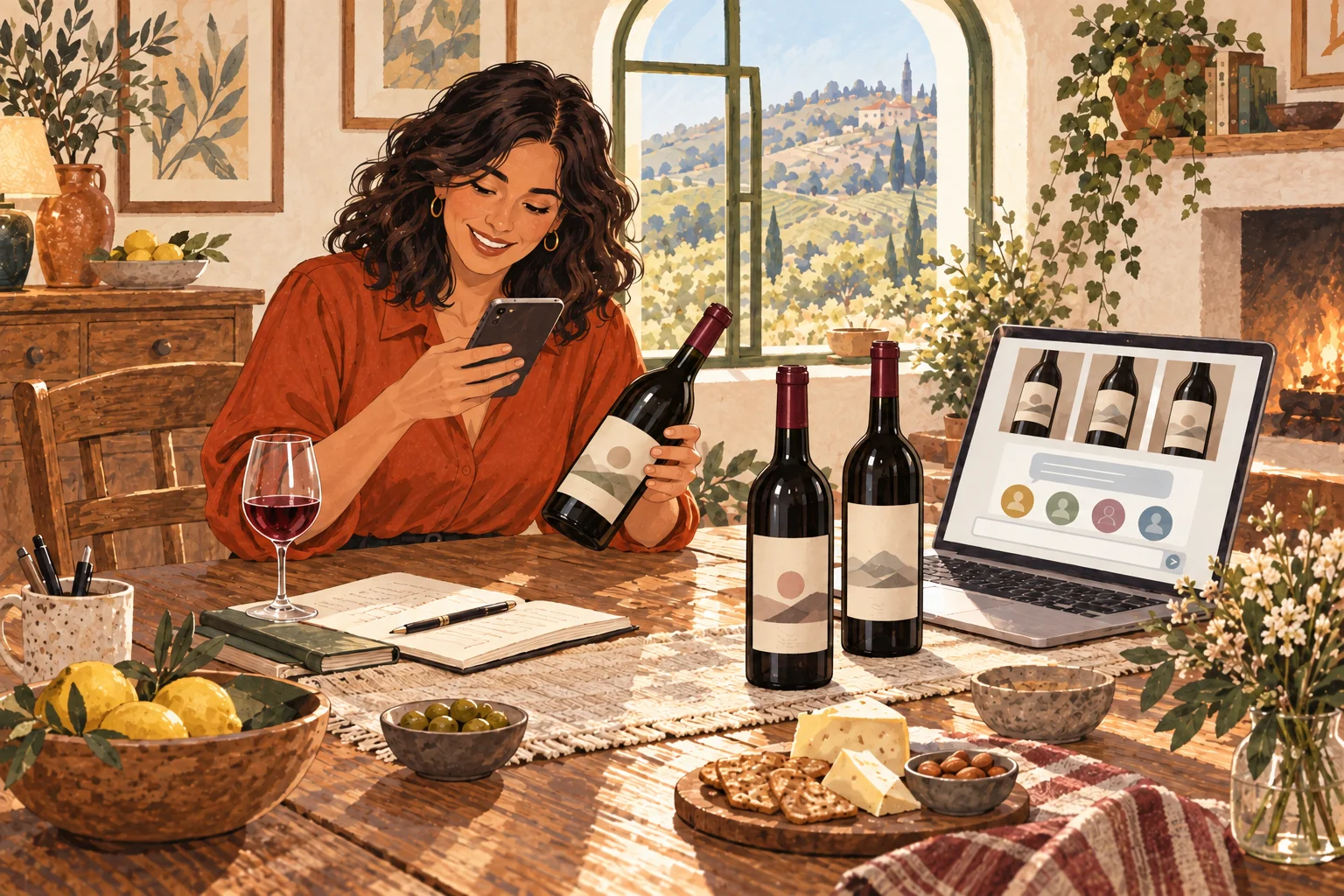
She takes clear photos of the front and back labels of the Rings, Ferraton and Phélan Ségur bottles. She attaches the photos to her assistant chat, then types the guest names: Mia, Sam, Alex and Jo.
Her friends already have entries in TopX, so she asks the assistant to find and reuse them. She sends this request:
Tonia’s one-prompt setupRead the request she gives her assistant
Create a Wines list called “Friday red-wine tasting” in my connected TopX. Choose Point scale with a 10-point scale, enable live updates and keep Show everyone’s ballots off. Add the wines you can confidently read from these front and back bottle-label photos, including producer, wine name and vintage. Leave uncertain details out and tell me what needs checking. Our tasting guests are Mia, Sam, Alex and Jo. Search my People first and reuse the correct entries; ask me if a name is ambiguous. If a guest is missing or a name is ambiguous, ask me to resolve it before adding anyone. Add the existing guests as participants. I am the host and will enter scores for guests who have not joined TopX. Return the saved list link and a short summary so I can check it. Ask before sending invitations or other messages. Keep the existing white-wine ranking list unchanged.
The assistant reads bottle details from the attached label photos. That does not automatically save those pictures as wine covers in TopX. If it finds a suitable direct HTTPS image link for a bottle, it can use that link to add the cover too. Tonia checks that the picture matches the wine and vintage. For her own photos attached only to the chat, she can upload them separately in the app. → Help The typed names identify her guests. One request can trigger several TopX tool calls to create the list, add the wines and include the right people.
The new tasting list is ready to check
The assistant returns a saved-list link and a summary. Tonia opens it and checks for Rings Spätburgunder vom Kalkfels 2019, Ferraton Ermitage Les Dionnières 2019 and Château Phélan Ségur 2019.
She checks the guest list, confirms the 10-point scale and checks that Show everyone’s ballots is off. Anything the assistant could not confidently read needs her attention. She leaves the Bordeaux blend’s grape proportions unspecified rather than filling in a guess.
After reviewing the saved list, Tonia is impressed: a single prompt has brought the wines and her returning guests into a list she can use.
Explore the TopX screenThe three 2019 wines, shown with TopX’s real wine item rows.
3 wines
At least 2 needed to continue- Rings Spätburgunder vom Kalkfels 2019
- Ferraton Ermitage Les Dionnières 2019
- Château Phélan Ségur 2019

Explore the TopX screenTonia checks the saved list against TopX’s settings summary.
Basics
Friday red-wine tasting
One vintage, three international red grapes
Wines
Rating
Point scale · 10 points
Dimensions
One overall score
Items
3 wines
Rings Spätburgunder vom Kalkfels, Ferraton Ermitage Les Dionnières, Château Phélan Ségur
Crew
Owners: Tonia
Participants: Mia, Sam, Alex, Jo
Show everyone's ballots: off
Live updates, history and notifications: on
Mia joins and sees Friday’s wines

A few days before Friday, Mia sends Tonia a message. She has to visit her parents and will not be back in time to join the tasting in person. She is disappointed to miss the evening. Tonia has an idea: “If you can get the wines, why don’t you join us from there?” The new list already includes Mia as a tasting guest, so Tonia opens her existing entry in People, chooses Send invitation and enters her email address. “I’ll invite you to TopX. You can see which bottles to look for and enter your own scores.”
Mia accepts the invitation and creates her account. When she opens TopX, Friday’s wines are already there: Rings, Ferraton and Phélan Ségur, with their names and vintages. Her earlier white-wine rankings are still attached to her too. Tonia has invited the same Mia who took part last time.
Mia has a few days to look for the bottles before Friday. With the exact names and vintages in her new list, she tries to find them near her parents’ house. She gets the Ferraton and Phélan Ségur, but cannot get the Rings Spätburgunder. Tonia is pleased they can still share two of the wines. Mia will taste at her parents’ house and record her own votes in the same list as the friends at Tonia’s table.
Explore the TopX screenTonia invites Mia’s existing guest entry. Her earlier votes stay with the same person.
Mia
No email No accountFriday arrives. Mia joins from her parents’ house.
Sam, Alex and Jo settle around Tonia’s table. Before the first pour, Tonia opens their usual video-call app on a laptop and calls Mia. A moment later, Mia appears from her parents’ sitting room, with her two bottles and a glass ready beside her.
They greet each other, compare the labels and start talking about the wines. The video call carries the conversation. TopX stays open separately: on Mia’s phone for her votes, and on Tonia’s tablet for the tasting list and group result.
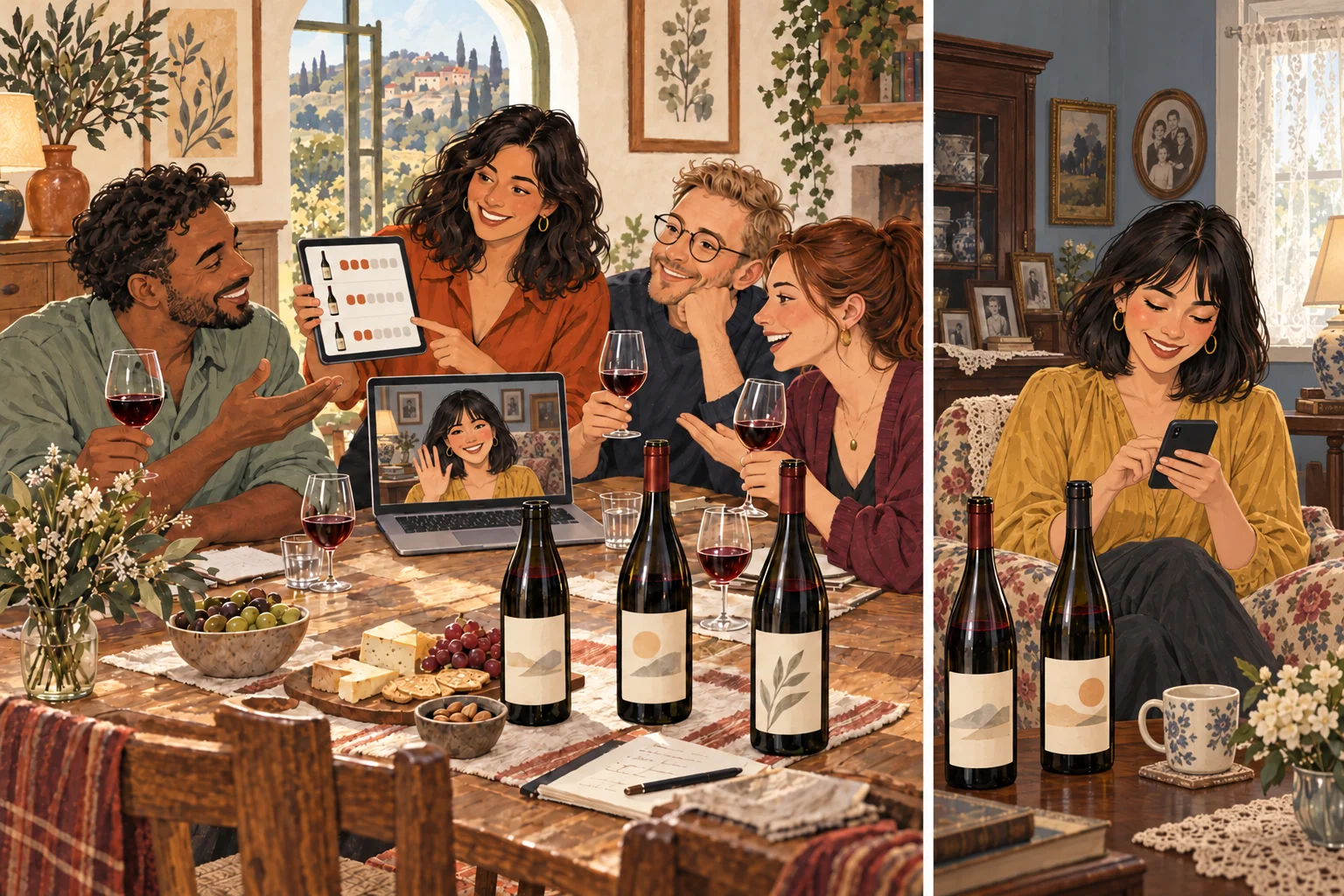
Two screens, two perspectives
Before they start scoring, Tonia keeps Show everyone’s ballots off. Mia can see her own scores and the group average on her account. She cannot see Tonia’s, Sam’s, Alex’s or Jo’s individual scores yet.
Tonia is the list owner, so her tablet always shows every ballot. She uses that view to enter the tasting guests’ scores. Tonia gives the Syrah 9, Rings 8 and Phélan Ségur 8. By the time Mia is ready to vote, Tonia, Sam, Alex and Jo have already recorded their first impressions. The friends at Tonia’s table watch her tablet update; Mia continues voting in her own account.
Tonight, each wine gets a score
Last time they ranked the white wines first, second and third. Tonight the new red-wine list uses Point scale with 10 points. Each person gives each tasted wine a whole-number score from 1 to 10; two wines can receive the same score. TopX shows the group average with one decimal. The white-wine list keeps its original rankings.
Explore the TopX screenThe new list uses Point scale with 10 points, leaving the earlier ranking list unchanged.
Mia did not find the Rings. Tonia points her to Don’t know it: her answer is recorded without adding a number to that wine’s average. Not scored yet would leave it unfinished. Her Ferraton and Phélan scores still count.
Watch Mia’s votes reach the table
Tonia, Sam, Alex and Jo have voted. Watch Mia enter 8 for the Syrah, 6 for Phélan Ségur, then choose “Don’t know it” for the Rings.
Mia’s phone · Her own scores
Friday red-wine tasting
Tonia’s tablet · Owner view
Tonia can see every ballot because she owns the list. These individual scores stay hidden on Mia’s account until Tonia reveals them after voting.
| 3 wines | Group | Tonia You | Mia Mia | Sam Sam | Alex Alex | Jo Jo |
|---|---|---|---|---|---|---|
| 1 | Not scored yet | |||||
| =2 | Not scored yet | |||||
| =2 | Not scored yet |
Swipe sideways to see all ballot columns.
Scores out of 10 · Not scored yet Don't know it: answered, excluded from the result = Shared place
Mia’s cells are empty. Tonia and the other three guests have finished voting.
Replay using TopX’s production ScoreTable, ScoreInput, covers and score calculations, with illustrative votes for real wines. The phone’s surrounding frame is adapted for this article. Changes are replayed locally; this is not a connected tasting session. Tonia’s own scores are visible in her You column: Syrah 9, Rings 8 and Phélan Ségur 8.
The votes are in. Now they compare.
Once Mia has answered all three wines, everyone’s first impressions are recorded. “Shall we see what everyone thought?” Tonia asks. She opens up the individual scores for the group.
One last step: Tonia reveals the ballots
- On the tasting list, she opens Sharing.
- She turns Show everyone’s ballots on. TopX saves the change.
- Mia and the other members can now see everyone’s individual scores alongside the group result.
Anyone with an active results link can now see those names and ballots too. The link still gives read-only access.
The friends can now compare why the same bottle tasted different to each of them.
This changes what Mia can see on her own account. Tonia has been able to see every ballot as the list owner throughout the tasting. The group averages do not change when ballots are revealed.
Mia’s participant view
| 3 wines | Group | Mia You | Tonia Tonia | Sam Sam | Alex Alex | Jo Jo |
|---|---|---|---|---|---|---|
| 1 | ||||||
| 2 | Don't know it | |||||
| 3 |
Swipe sideways to see all ballot columns.
Scores out of 10 · Not scored yet Don't know it: answered, excluded from the result = Shared place
Everyone’s individual scores are now visible.
After all five people answer, the Syrah wins: Ferraton’s Syrah finishes first on 9.0, Rings Spätburgunder second on 8.3 and Phélan Ségur third on 7.8. Mia’s missing Rings score is excluded, so that average uses four people. These votes are written for Tonia’s illustrative story. The wines are real cellar selections; this is not a recorded tasting verdict.
Before sending the results link, Tonia checks the sharing setting again: with ballots visible, anyone who has an active results link can also see the members’ names and individual scores.
Replay Mia’s votes to watch them arrive in Tonia’s owner view.
Different tables. One tasting to remember.
With the votes in and the ballots revealed, the friends keep comparing their choices. In this story, Ferraton’s Syrah takes first place, Rings takes second and Phélan Ségur third. Mia has contributed her own scores from her parents’ house, and her missing bottle has never counted as a zero.
They keep talking on the call while Tonia shares the result. Mia is glad she told Tonia in advance, giving her time to find the wines and join in. Tonia is pleased that the evening still included everyone, even with one friend at another table.
Make it your evening
Keep everyone
at the tasting.
Prepare a new list, invite your friends and let everyone score. Around the same table, or from somewhere else.